Skip to content

franbach/oh-my-deepin-miramare

Folders and files

NameName
Last commit message
Last commit date

Latest commit

ย 

History

3 Commits
ย 
ย 
ย 
ย 
ย 
ย 
ย 
ย 
ย 
ย 
ย 
ย 

Repository files navigation

Miramare Deeping Theme

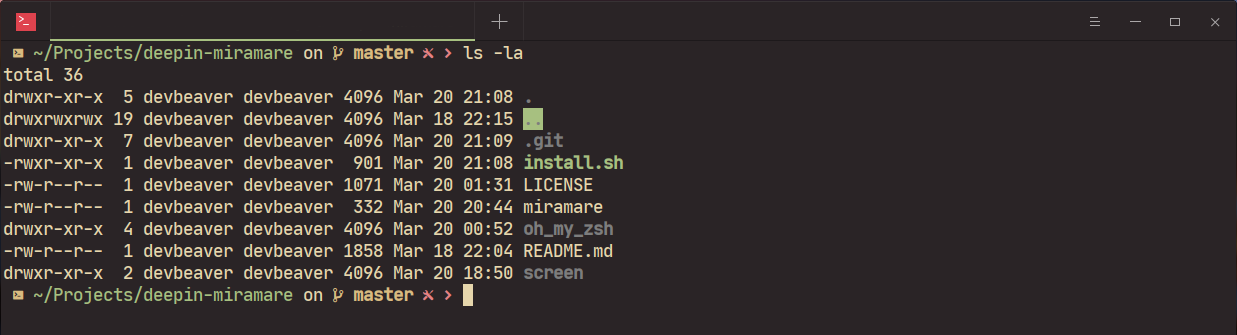
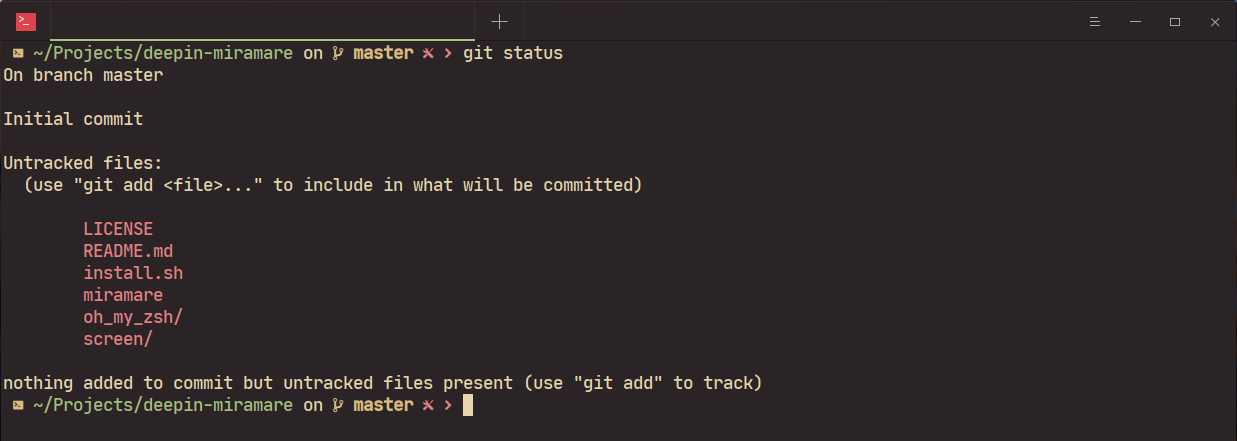
Miramare Theme for Linux Deepin Terminal + Oh My Zsh theme.


miramare

miramare

miramare

miramare

๐Ÿ’พ Install

  1. git clone https://github.com/franbach/oh-my-deepin-miramare.git
  2. cd oh-my-deepin-miramare && chmod +x install.sh && ./install.sh
  3. Restart your terminal
  4. Select miramare from the Themes tab
  5. Done!

๐Ÿ’ก Tip

To get the exact same look as in the screenshot:

Make sure you are using Deepin Terminal

Using JetBrains Mono Medium patched font ( Nerd Fonts )

And of course using ZSH with OH MY ZSH as your shell

License

MIT ยฉ franbach

About

๐Ÿ Comfortable & Pleasant Color for Linux Deeping Terminal + Oh My Zsh theme

Resources

License

Stars

Watchers

Forks

Releases

No releases published

Packages

No packages published

Languages